
TERRA / PRODUCTS
Find the components your system needs
Explore product families from conductors and connections to protection and warning components, organised around the job they do.
TERRA / PRODUCT FINDER
Know the code? Go straight to the product.
Search by product code, name or material.
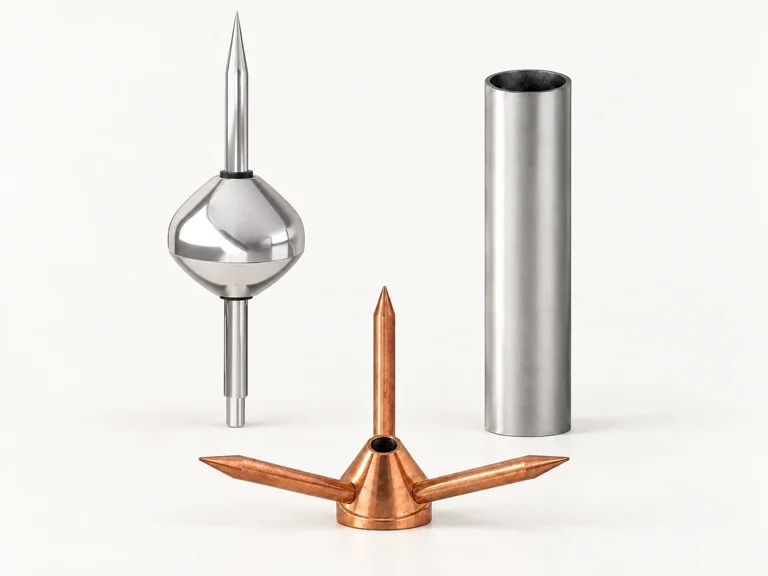
External Lightning Protection Systems
External lightning protection systems bring together components designed to intercept lightning and conduct its current to earth. Explore air terminals, down conductors and mounting accessories for roof, façade and site installations.Explore products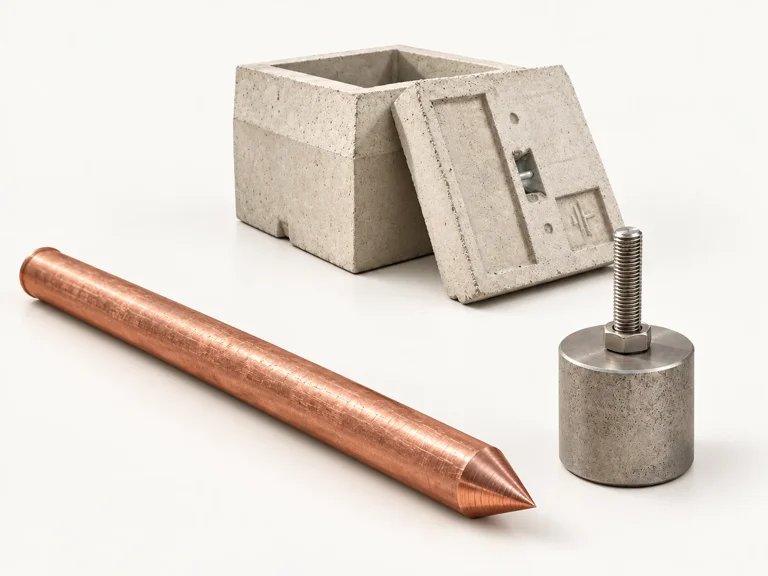
Earthing Systems
Browse earthing materials for buildings, substations and industrial sites. Compare earth rods and other electrodes, tape and other conductors, equipotential bars and connection clamps. Find inspection pits and earth resistance testers for checks and maintenance.Explore products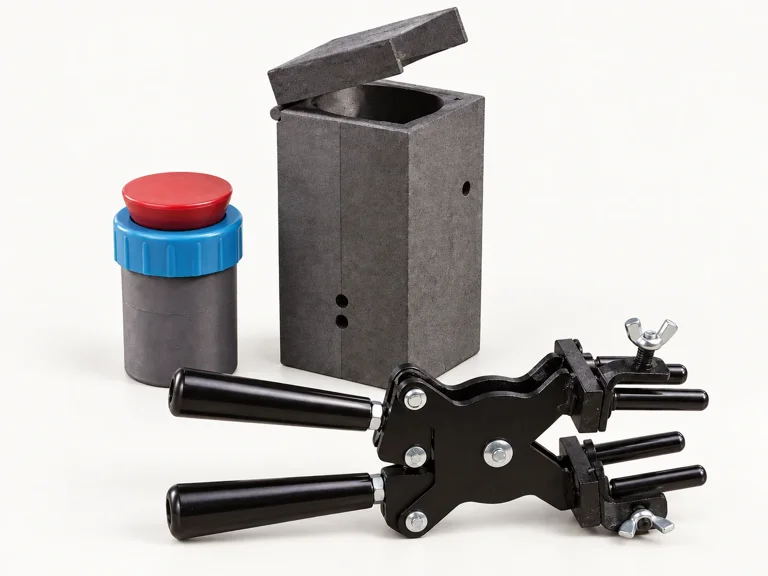
Exothermic Welding Systems
Exothermic welding is used to form permanent joints between earthing conductors. Choose TerraWeld powder, graphite moulds and accessories together for cable, tape and electrode connections in site earthing networks.Explore products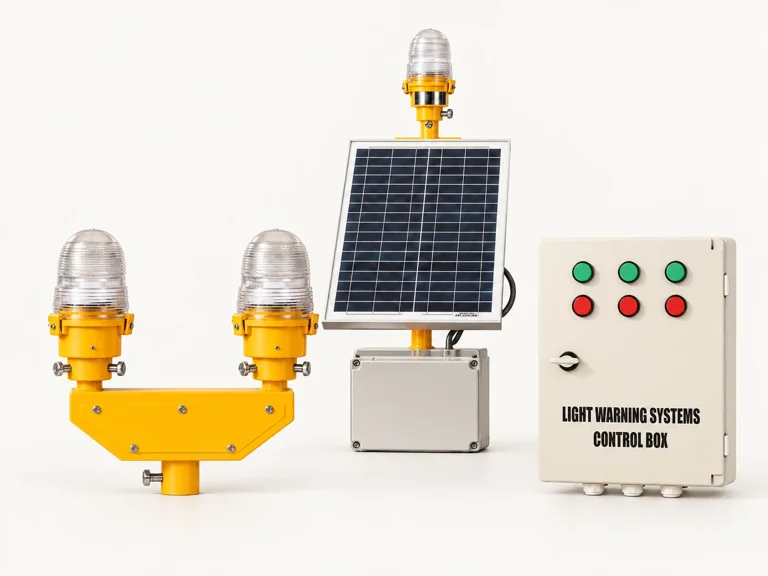
Aircraft Warning Systems
Aircraft warning systems provide marking components that support the aerial visibility of obstacles such as tall buildings, chimneys and towers. Explore mains- or solar-powered lights, control boxes and mounting parts for the structure’s marking requirements.Explore productsFrom a product code to its datasheet
If you have a Terra product code, enter it in the product search. Open the individual product page from the results to review the material, technical details and catalogue page. When copying the code into your bill of materials, record the unit as well. One family can contain several cross-sections, connection sizes or materials, so the full code helps the purchaser identify the correct row.
If the drawing specifies only a product type, choose a category by application. For instance, start with electrodes for an earth rod or the relevant fixing group for a conductor clamp. Compare the family table, then open the selected code to download its datasheet. For questions about an item, include its drawing reference, quantity and delivery location with the request. Keep different codes on separate lines when comparing prices across several families.